Architect Submission Ready Technical Datasheets and CAD Shop Drawings for PU Faux Beams
Successful beam specification requires comprehensive documentation that supports architectural review, code compliance, and contractor implementation. Architect submission ready technical datasheets and CAD shop drawings provide this documentation, enabling seamless integration of faux wood beams into professional construction projects.
Technical Datasheet Components
Comprehensive technical datasheets address all questions that specification review might raise:
Physical property documentation includes density, thermal expansion coefficient, moisture absorption rate, and other material characteristics that affect design decisions. Architects need this information to evaluate how products integrate with surrounding materials and environmental conditions.
Dimensional specifications detail standard sizes, custom size availability, and dimensional tolerances that affect installation planning. Clear dimensioning enables accurate quantity estimation and installation coordination.
Load data for mounting applications specifies weight per linear foot, recommended fastener spacing, and adhesive requirements. This information supports structural coordination and ensures that mounting systems accommodate beam loads properly.
Surface preparation and finishing requirements inform specification of compatible adhesives, primers, and finishing products. Knowing these requirements prevents specification conflicts that might emerge during construction.
CAD Drawing Standards
Professional CAD drawings follow established standards that ensure clarity and coordination:
Layer standards organize information logically, enabling different trades to extract relevant data without sorting through irrelevant content. Standard layer naming conventions facilitate this extraction.
Scale accuracy ensures that drawings represent actual dimensions accurately, enabling direct measurement for quantity takeoff and installation planning. Drawings must be scalable without losing dimensional integrity.
Annotation clarity through consistent text styles, dimensioning formats, and symbol standards ensures that drawing information communicates clearly to all users regardless of their CAD software or experience level.
File format compatibility with common software platforms—AutoCAD, Revit, SketchUp—enables integration into diverse project workflows without conversion problems or data loss.
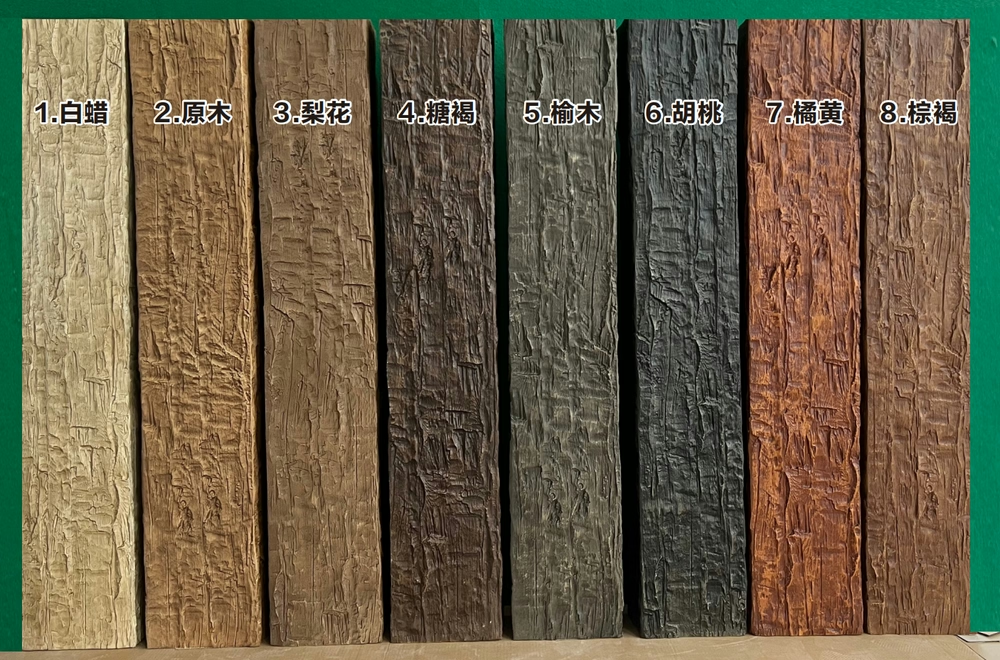
Drawing Types for Faux Beam Projects
Different drawing types serve different specification purposes:
Plan view drawings show beam layout in horizontal section, including spacing, edge conditions, and relationship to surrounding elements. These drawings support layout coordination with ceiling elements, light fixtures, and HVAC components.
Elevation drawings show beam profiles as they appear from typical viewing positions, documenting the visual character that elevation angles reveal. Texture and color representation in elevation drawings helps designers evaluate appearance integration.
Section drawings through beam installations reveal internal construction, mounting approaches, and relationship to structural elements. These drawings support technical evaluation and installation coordination.
Detail drawings at larger scales show joint conditions, termination details, and connection approaches. These drawings guide field installation by clarifying how pieces should fit together.
Submission Format Requirements
Professional submission requires specific documentation formats:
PDF documents ensure universal readability without software compatibility issues. Interactive PDFs that preserve layer visibility and searchability add value beyond simple printing.
Hard copy submissions for traditional delivery methods require appropriate binding and labeling that facilitates review.
Electronic submission through project management platforms requires proper file naming, version control, and organized folder structure that enables efficient review.
Response to review comments requires revision tracking that clearly indicates what changed and why. Submissions that don't track changes create confusion about what has been reviewed and approved.
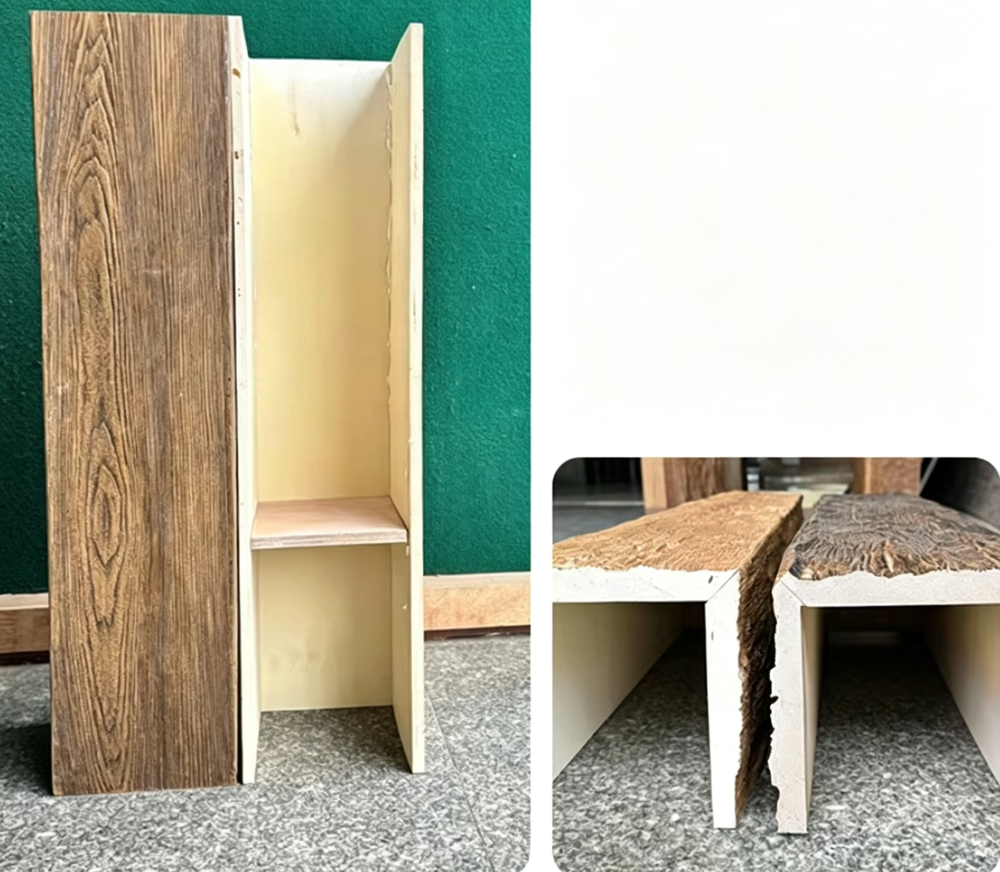
Supporting the Specification Process
Comprehensive documentation supports specification through multiple phases:
Programming and design phases benefit from preliminary information that guides product selection and design integration. Early datasheet availability enables informed decisions before detailed specification is required.
Construction document phase requires full documentation that supports accurate specification and complete contractor understanding of requirements.
Bidding phase documentation ensures that contractors price the correct products and understand installation requirements before submitting proposals.
Construction phase submittals verify that provided products match specifications and will achieve design intent. Shop drawing review catches problems before fabrication commitments lock in potentially incorrect approaches.
Technical References
ASTM standards cited in every specification
Test Data
Lab results from internal testing program
Updated 2026
Reviewed against current product specs