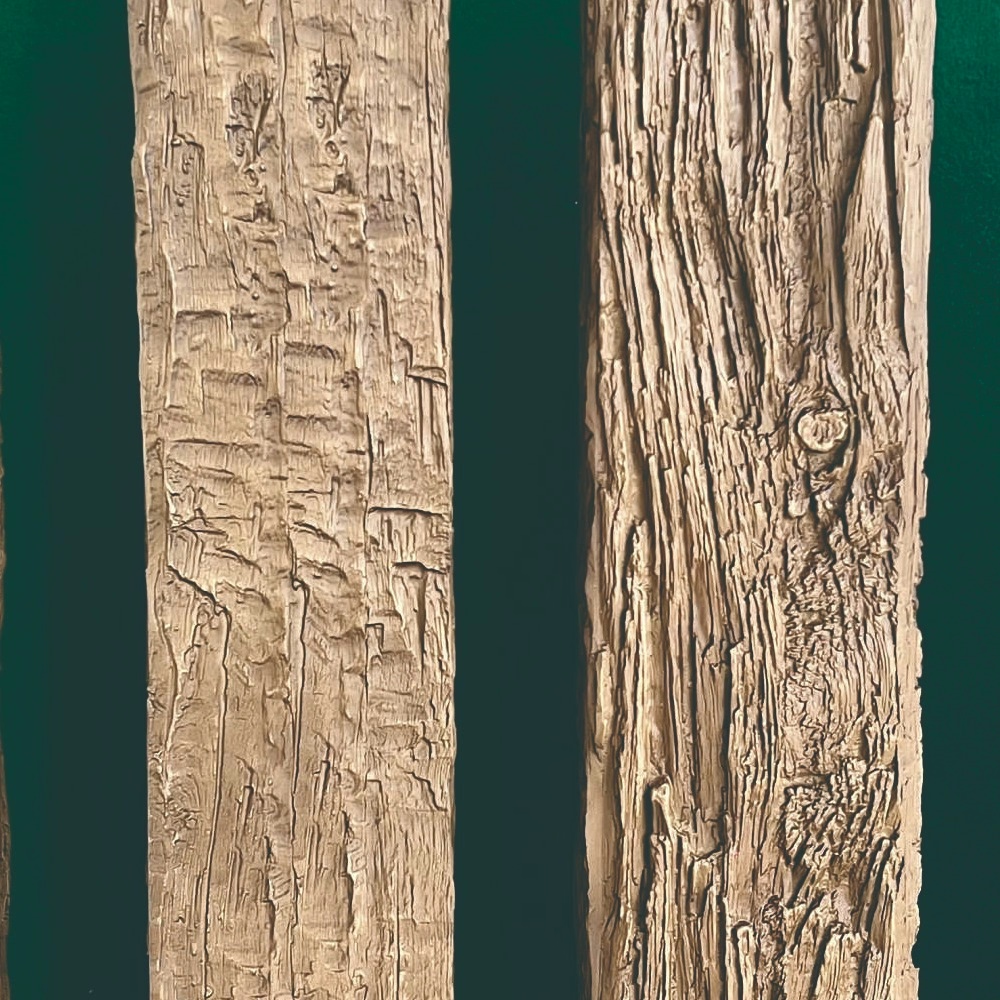
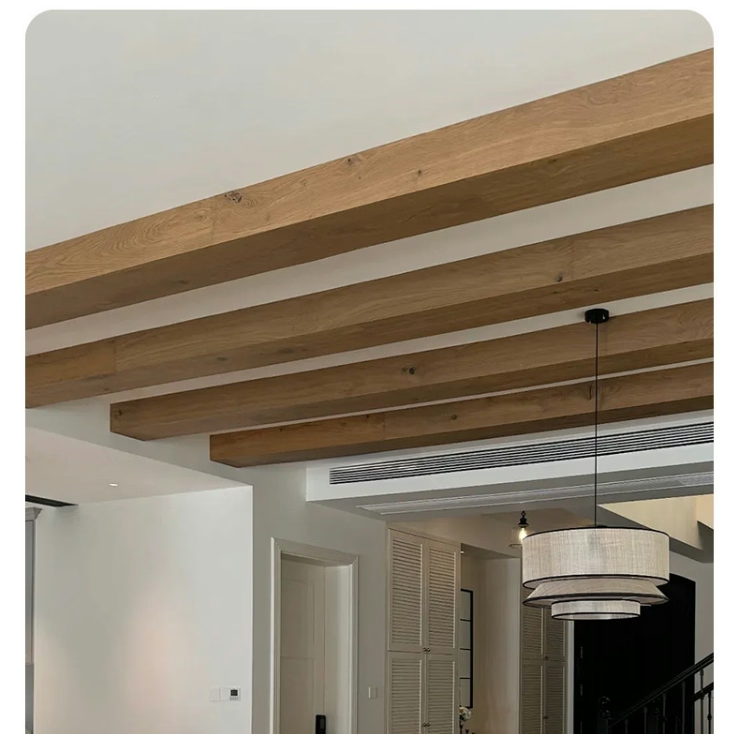
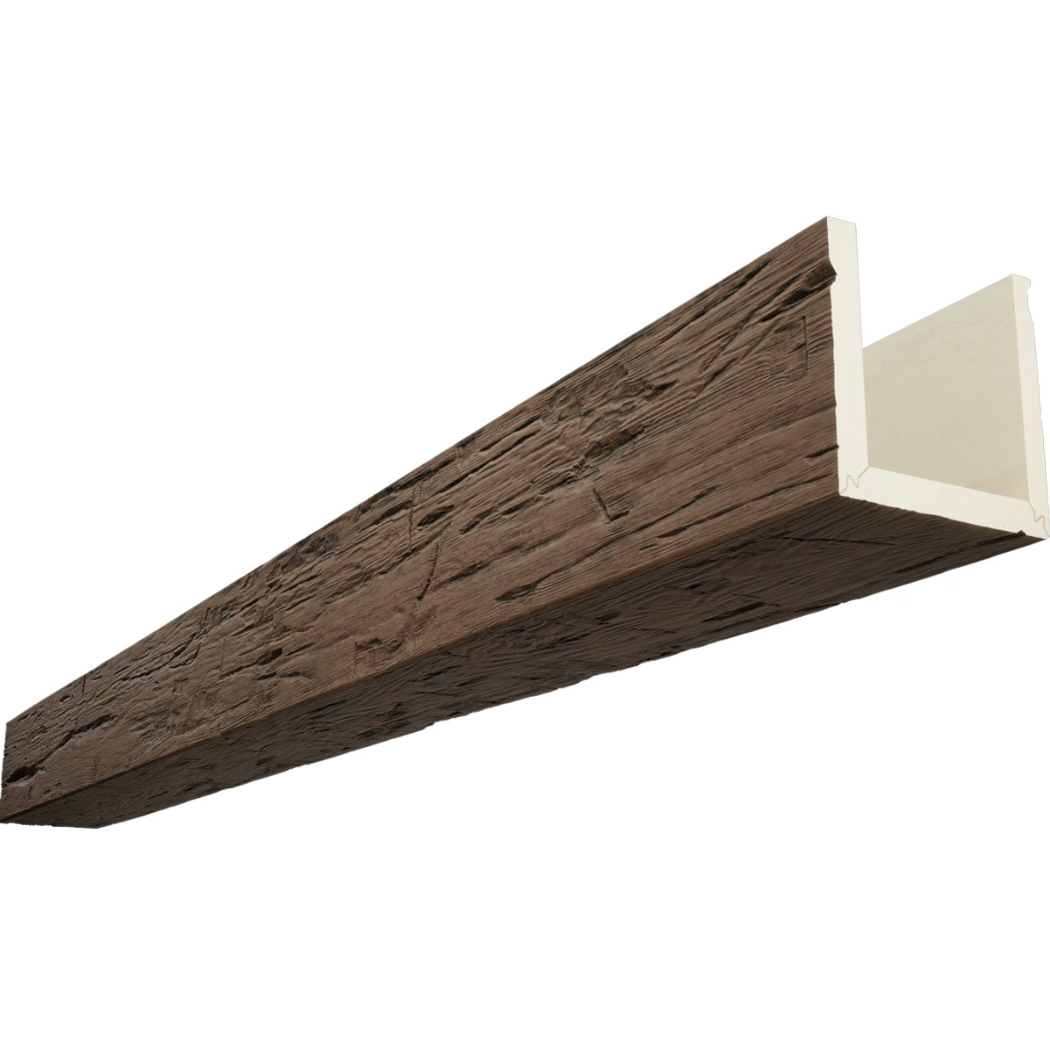
The hotel renovation involved installing 2,400 linear feet of beams across forty-three guest rooms over six weeks. Rather than just photographing completed spaces, we mounted a time-lapse camera in the corridor capturing the entire installation process. The resulting three-minute video showed crews methodically working through spaces, transforming generic ceilings into distinctive architectural statements. That video became our most effective marketing tool—prospective clients watched the installation unfold, saw the crew expertise, and understood the project scale in ways that static photos never communicated. The $800 equipment investment generated hundreds of thousands in new business as the video demonstrated capabilities more convincingly than any sales pitch could.
Time-lapse documentation transforms invisible installation processes into visible narratives showing how projects unfold. While completed installations photograph beautifully, the work creating them remains mysterious to clients who see only finished results. Time-lapse bridges this gap, revealing craftsmanship, methodology, and project management that differentiate professional contractors from competitors while creating compelling content for marketing, training, and project archives.
Understanding Time-Lapse Basics
Frame rate selection determines how condensed final videos appear. Capturing one frame every 10 seconds creates moderate compression—an 8-hour workday becomes approximately 5 minutes of video at 30fps playback. One frame per minute creates more dramatic compression—that same workday condenses to under 1 minute. Faster frame rates capture more detail and produce smoother motion but generate larger file quantities. Most construction time-lapse uses 15-60 second intervals balancing file management with adequate motion smoothness.
Playback speed conventions typically use 24-30 frames per second creating natural-looking motion despite acceleration. Slower playback at 15fps creates jerkier motion that emphasizes speed dramatically but can appear unrealistic. Faster rates above 60fps create ultra-smooth motion that looks less impressive despite identical compression ratios. Standard film frame rates (24fps) or broadcast video rates (30fps) create familiar motion that audiences find engaging without distracting technical artifacts.
Duration calculation determines total project documentation length from capture interval and project timeline. A two-week project capturing one frame per minute during 8-hour workdays generates approximately 4,800 frames—about 3 minutes of final video at 24fps. Understanding these relationships helps plan appropriate capture rates achieving desired final durations without excessive footage or inadequate documentation.
Resolution requirements balance quality against file storage and processing demands. 4K capture (3840×2160) provides excellent quality allowing cropping and digital pan/zoom in post-production without quality loss. 1080p (1920×1080) proves adequate for most applications while generating smaller files. Higher resolutions future-proof content for larger displays but require substantial storage—4K time-lapse projects easily generate hundreds of gigabytes.
Battery and power management proves critical for multi-day unattended operation. Cameras on battery power require daily battery swaps or external power supplies providing continuous operation. AC-powered setups avoid battery limitations but require electrical access near camera positions. Solar-charged battery systems suit outdoor installations lacking electrical infrastructure.
Equipment Selection and Setup
Dedicated time-lapse cameras including GoPro, Brinno, or purpose-built construction cameras offer weatherproof housings, long battery life, and automatic capture modes optimized for construction documentation. These purpose-built solutions cost $200-800 and provide reliable operation with minimal configuration. Their set-it-and-forget-it operation suits busy job sites where camera management can't consume significant attention.
DSLR and mirrorless cameras with intervalometer functions provide superior image quality and manual control but require more setup and environmental protection. Professional camera systems capture stunning image quality but need weatherproof housings, continuous power, and more careful configuration. These sophisticated setups suit showcase projects justifying additional investment and management effort.
Smartphone-based solutions using apps like Lapse It or Hyperlapse offer minimal equipment investment using devices most people already own. However, dedicating phones to time-lapse duty for days or weeks proves impractical for most users. Smartphone solutions work best for short-duration single-day documentation rather than extended multi-week projects.
Mounting hardware stability determines whether footage remains steady or shows distracting camera movement. Tripods with weighted bases, wall mounts, or ceiling-mounted rigs provide stability resisting job site vibration and activity. Unstable mounting creates shaky footage that appears unprofessional and can induce motion sickness in viewers.
Weather protection requirements vary by installation environment. Interior installations need minimal protection beyond preventing accidental damage. Exterior documentation requires weatherproof housings protecting equipment from rain, dust, and temperature extremes. Even interior cameras near windows might need protection from condensation during temperature swings.

Camera Positioning Strategy
Overview angles capturing entire work areas show project scale and crew coordination. Positioning cameras 15-25 feet from primary work areas with slightly elevated angles provides context showing how installations progress across spaces. These establishing shots work best for project introductions and demonstrating scope.
Detail coverage positioning cameras closer to specific work areas—perhaps 6-10 feet from action—captures installation techniques and craftsmanship details. These intimate angles show individual crew member actions, tool use, and quality attention that overview shots miss. Balancing overview and detail coverage creates complete documentation.
Progress corridor documentation in multi-room projects positions cameras showing systematic advancement through spaces. Corridor angles capture crews moving from room to room, showing methodical progression that demonstrates project management effectiveness. This documentation style particularly suits hospitality, healthcare, or educational facility installations involving numerous similar spaces.
Before-and-after split-screen positioning places cameras showing starting and ending conditions side-by-side. This technique requires careful framing ensuring both conditions appear within the frame or using stationary cameras capturing identical angles allowing post-production comparison. The dramatic transformation visible in before-after comparisons creates compelling storytelling.
Multiple simultaneous cameras from different angles generate footage for multi-angle editing showing projects from various perspectives. While increasing equipment and footage management complexity, multi-camera documentation provides editorial flexibility creating more sophisticated final productions. Professional marketing materials justify this investment; simple project documentation might not.
Lighting Considerations
Natural light variation throughout days creates brightness fluctuations that can distract in final videos. Locations with large windows might see dramatic exposure changes as sun moves across sky. Automatic exposure compensation helps but can create brightness pulsing. Consistent supplemental lighting using work lights moderates natural variation creating more uniform footage.
Supplemental lighting providing consistent illumination throughout capture periods eliminates natural light variation completely. Permanent installation of construction lighting serving dual purposes—illuminating work and providing stable lighting for documentation—creates optimal conditions. LED work lights with constant output provide ideal time-lapse illumination.
HDR capture modes available in some cameras compress wide dynamic ranges capturing detail in both bright and shadowed areas. Construction sites with skylights or large windows create challenging high-contrast conditions. HDR processing (combining multiple exposures per frame) or HDR video modes capture these scenes better than standard capture.
Night documentation in occupied buildings where installations occur after hours requires adequate supplemental lighting since natural light won't exist. Work lights necessary for installation usually provide adequate illumination for documentation, though positioning for optimal camera angles might differ from purely functional lighting placement.
Data Management and Workflow
Storage requirements for extended projects demand significant capacity—multi-week 4K time-lapse projects generate 200-500GB easily. Using high-capacity memory cards (256GB+) prevents full card interruptions mid-project. Alternatively, cameras with wireless transfer or wired connections to network storage offload images continuously preventing card capacity limitations.
Backup strategies protecting irreplaceable documentation include periodic card swaps archiving captured content while allowing continued capture, automated wireless backup to cloud storage or network drives, or physical card duplication using portable backup devices. Losing weeks of documentation to card failure proves devastating—redundant storage prevents this catastrophe.
Workflow automation using scripts or specialized software simplifies processing thousands of individual images into final videos. Manual compilation proves tedious for projects generating 5,000+ frames. Time-lapse assembly software or video editing applications with time-lapse features streamline processing while maintaining quality.
File organization systems maintaining clear naming conventions and folder structures prevent confusion when managing multiple projects or camera angles. Systematic organization—perhaps by project name, date, and camera position—enables efficient retrieval when editing months after capture. Documentation quality depends on finding footage when needed.
Editing and Post-Production
Speed adjustment varying playback speed throughout videos creates pacing that maintains interest. Accelerating through repetitive work phases while slowing for key milestones focuses attention appropriately. Variable speed requires frame interpolation or careful frame selection creating smooth transitions between different compression ratios.
Cropping and stabilization removing edge distractions and correcting minor camera movement improves professional appearance. Digital stabilization algorithms compensate for vibration or slight position shifts. Cropping to standard aspect ratios (16:9 for video, 1:1 for social media) focuses attention while removing peripheral distractions.
Title and annotation overlay identifying project details, dates, milestones, or crew accomplishments adds context helping viewers understand what they're watching. Simple text overlays noting "Day 3," "Installation Complete," or "2,400 Linear Feet Installed" transform abstract footage into meaningful narratives.
Music selection complementing visual pacing creates emotional engagement. Upbeat instrumental music maintains energy through installation footage. Music choices should avoid lyrics that distract while providing rhythm that matches visual pace. Licensing requirements for commercial use mandate using royalty-free music libraries or purchasing appropriate licenses.
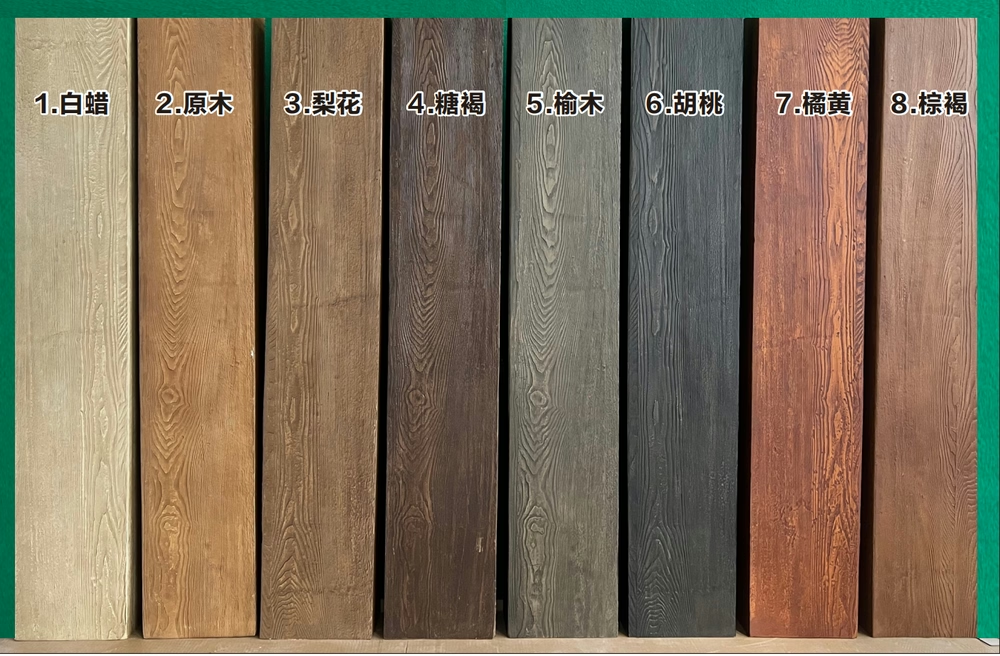
Color grading adjusting colors, contrast, and saturation creates consistent professional appearance despite lighting variations. Basic color correction balancing exposure and white balance across footage makes multi-day captures appear uniform. Creative color grading establishing particular looks—perhaps emphasizing warm wood tones or creating dramatic contrast—enhances visual appeal beyond documentary accuracy.
Marketing and Communication Applications
Client communication showing progress remotely allows stakeholders monitoring projects without site visits. Sharing weekly time-lapse compilations keeps clients engaged while demonstrating steady progress. This transparency builds trust while reducing site visit coordination demands on project managers.
Portfolio development showcasing completed projects through compelling before-after narratives demonstrates capabilities more effectively than static photography. Prospective clients seeing actual installations unfold understand contractor processes, crew size, and quality attention that portfolio photos alone don't communicate.
Social media content engaging audiences through visual storytelling generates organic reach exceeding traditional marketing. Short time-lapse clips (30-60 seconds) optimized for platform algorithms create shareable content that extends brand visibility. Regular posting throughout projects maintains social media presence while documenting work.
Training materials demonstrating proper installation techniques through actual project footage creates authentic training content. New employees seeing real installations by experienced crews learn proper methods and quality expectations. This documentation captures institutional knowledge that might otherwise exist only in senior craftsmen's experience.
Proposal enhancements including time-lapse footage from similar previous projects helps prospective clients visualizing proposed work. Showing how previous installations progressed demonstrates methodology and professionalism in ways that written proposals can't match. This visual evidence differentiates proposals making them memorable.
Technical Challenges and Solutions
Changing work zones as installation progresses might move beyond initial camera angles requiring camera repositioning. Planning camera positions covering maximum work areas minimizes repositioning. When relocation proves necessary, documenting new camera positions maintains consistent perspectives for post-production continuity.
Access restriction preventing camera placement in ideal positions requires creative mounting solutions. Articulating arms, extended poles, or creative use of existing structure might enable adequate coverage despite limitations. Accepting slightly compromised angles proves preferable to no documentation.
Theft and vandalism protection in unsecured sites demands either inconspicuous camera placement, locked protective housings, or accepting loss risk. Some contractors use inexpensive action cameras accepting potential loss rather than risking expensive equipment theft. Insurance should cover equipment loss on commercial job sites.
Jobsite coordination informing all trades about cameras prevents accidental interference or damage. Bright warning labels and crew briefings explaining documentation purposes reduce risks of workers unplugging equipment, adjusting positions, or blocking views with materials. Clear communication that cameras serve project documentation rather than surveillance helps acceptance.
Legal and Privacy Considerations
Permission requirements for commercial documentation vary by location and contract terms. Building owners might need to approve documentation. Union agreements might restrict filming workers. Hospitality or healthcare facilities might have privacy policies affecting documentation. Clarifying permissions before beginning documentation prevents problems.
Worker privacy concerns addressed through notices that filming occurs for documentation helps acceptance. While construction sites generally allow filming, informing workers creates transparency. Most workers appreciate being featured in professional documentation showcasing their craftsmanship.
Client approval processes reviewing footage before public use protects client interests while allowing marketing use. Contracts should address whether contractors may use project documentation in marketing, with what attribution, and any approval processes required. Clear agreements prevent disputes about documentation rights.
Music licensing for commercial use requires either purchasing licenses from music libraries or creating original compositions. Using popular commercial music without licensing creates copyright liability. Royalty-free music libraries provide legal alternatives at reasonable costs.
ROI and Investment Justification
Equipment costs ranging from $200 for basic action cameras to $2,000+ for professional multi-camera setups require justifying through business benefits. Even basic documentation creates marketing content, training materials, and project archives justifying modest equipment investment for most contractors doing regular commercial work.
Time investment including setup, monitoring, and post-production editing adds labor costs beyond equipment. However, this time investment often pays for itself through single projects when documentation generates new business or prevents disputes about project timelines and work quality.
Marketing value converting documentation into business development content that generates inquiries and closes projects provides direct ROI. Contractors report that time-lapse project showcase videos generate more engagement than any other marketing content, justifying documentation investments through increased business volume.
Creating Compelling Visual Stories
Time-lapse documentation transforms mundane construction processes into engaging visual narratives showcasing professionalism, methodology, and project scale in ways that completed project photography alone cannot achieve. The investment in equipment, workflow development, and post-production skill building creates marketing assets, training resources, and project archives delivering value far exceeding initial costs. For commercial contractors seeking to differentiate themselves through demonstrated capabilities and professional presentation, time-lapse documentation provides powerful tools in increasingly visual-first business development environments.
通过延时摄影记录大型商业项目,不仅可以展示专业能力,还能创造有力的营销内容,帮助承包商赢得更多业务机会。
Technical References
ASTM standards cited in every specification
Test Data
Lab results from internal testing program
Updated 2026
Reviewed against current product specs